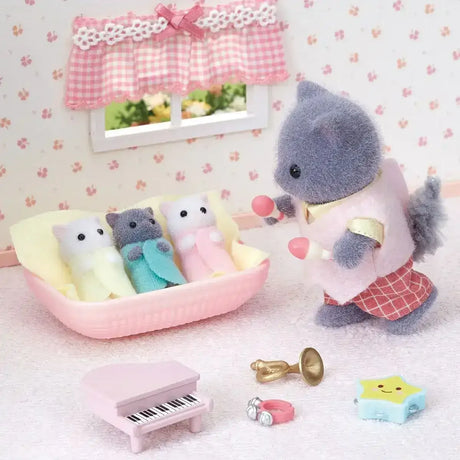
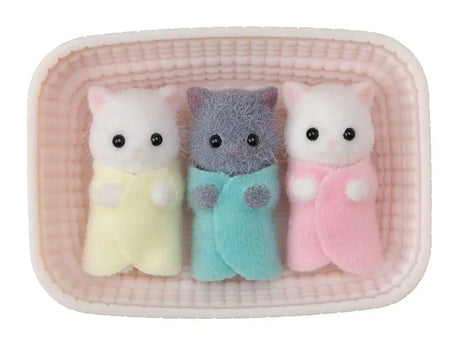
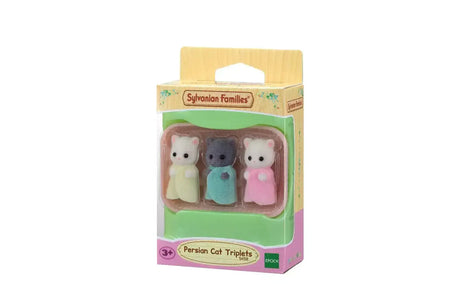
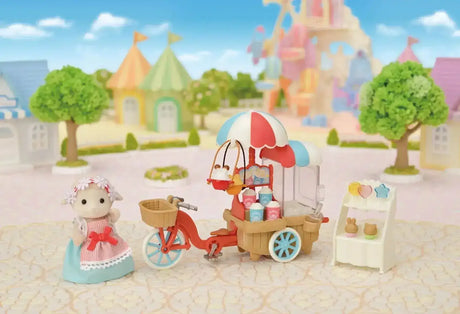
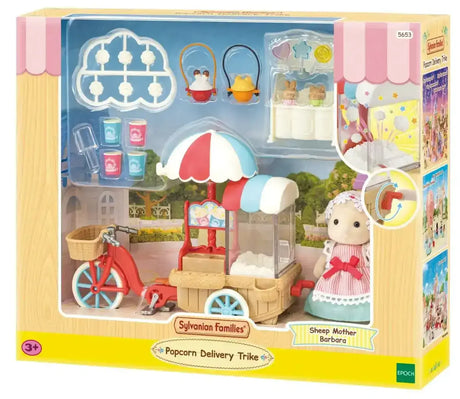
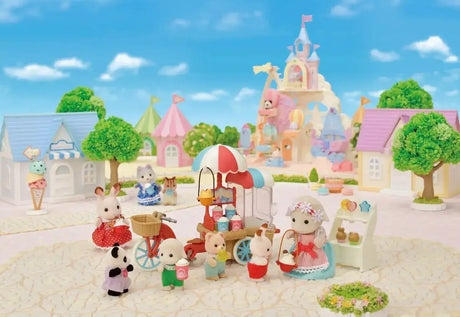
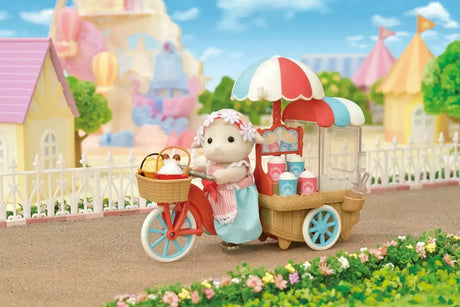
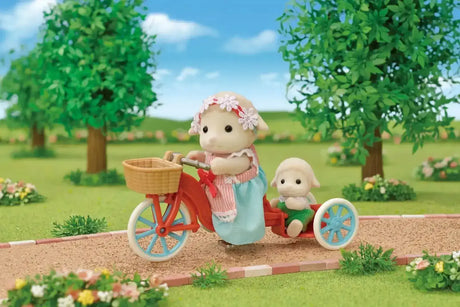
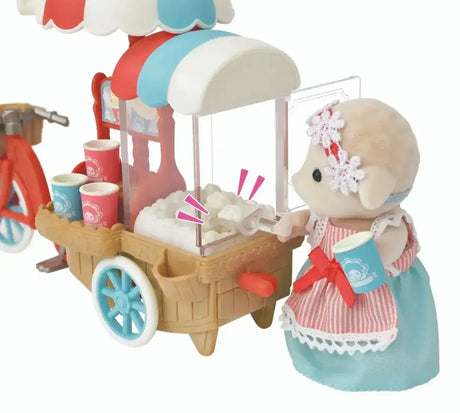
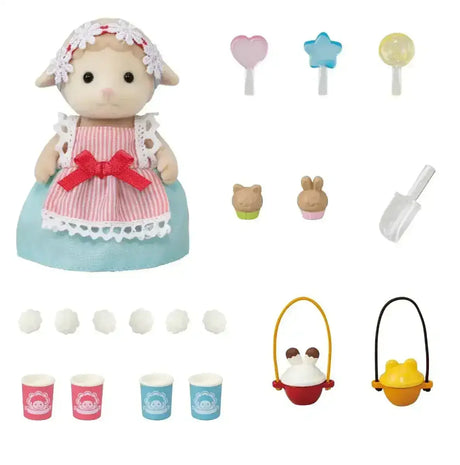
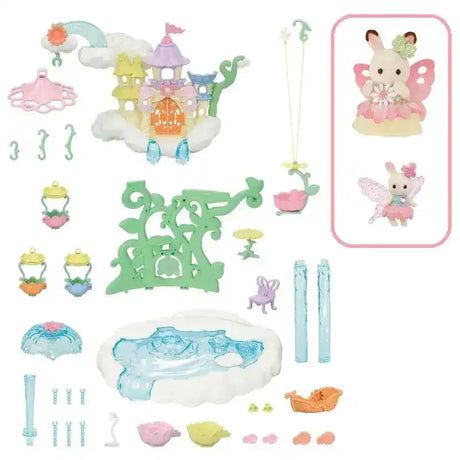
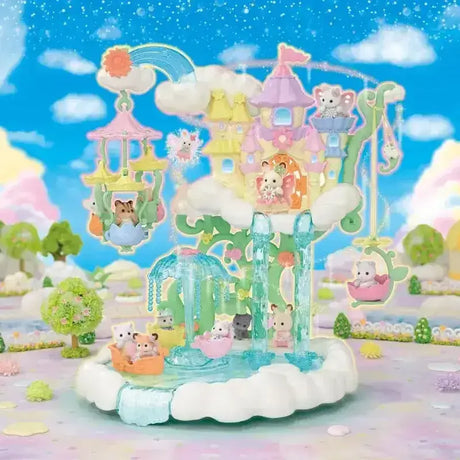
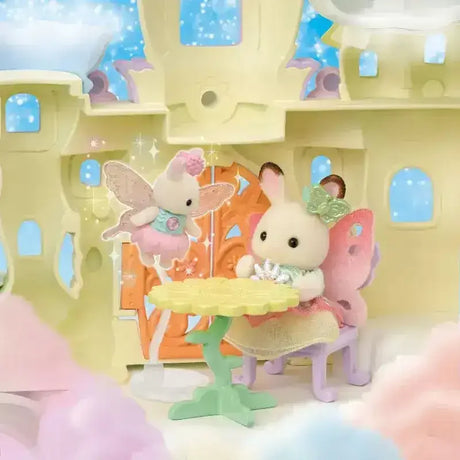
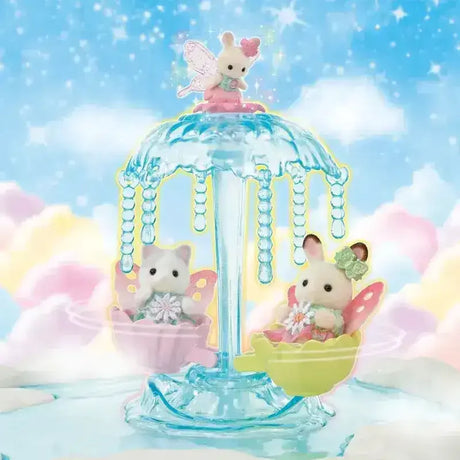
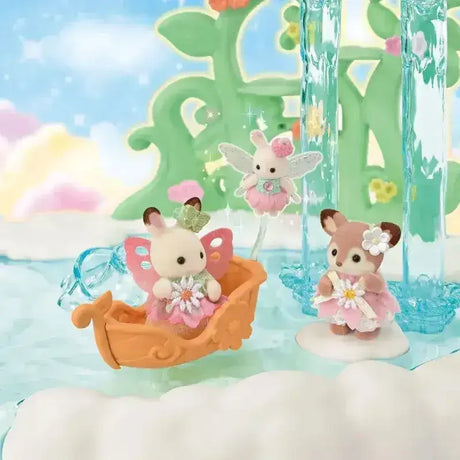
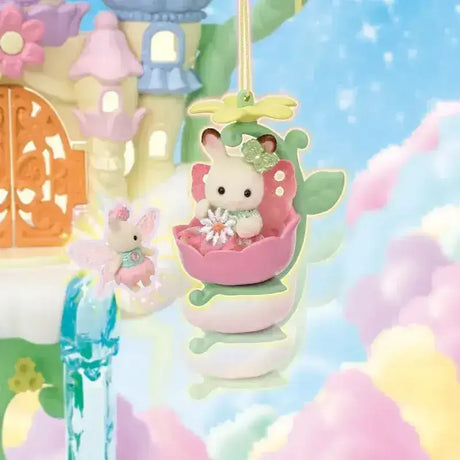
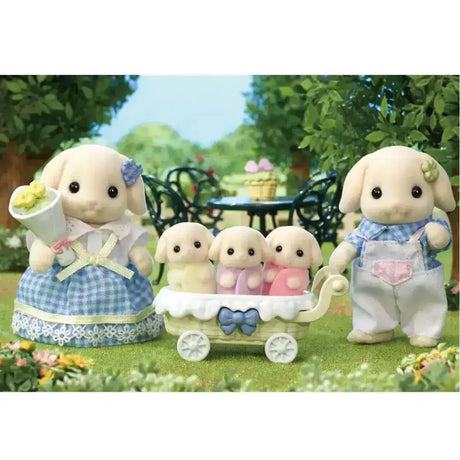
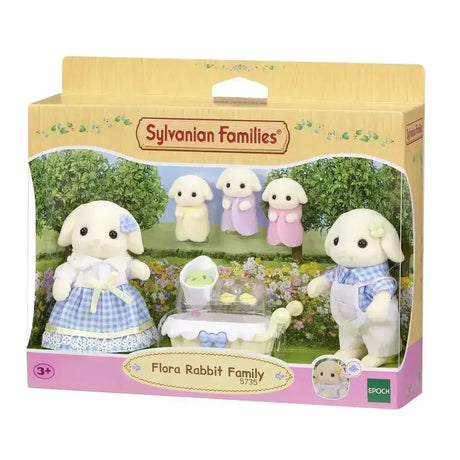
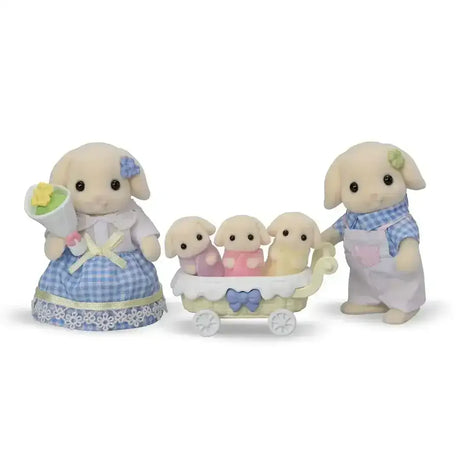
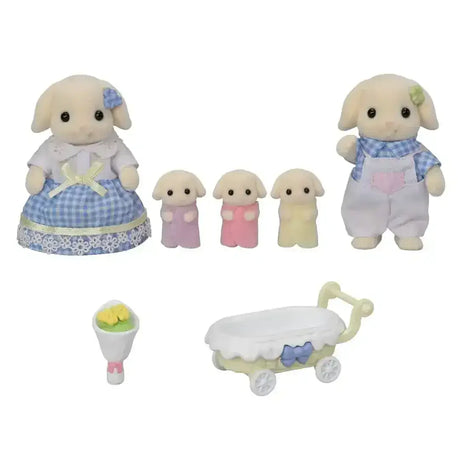
Shop our Sylvanian Families range in Australia — over 60 sets including animal families, houses, furniture and accessories, and the ever-popular blind bags. Every set is crafted in the same scale, so anything you add works perfectly with the collection you already have. What's in the range Animal families —...
Shop our Sylvanian Families range in Australia — over 60 sets including animal families, houses, furniture and accessories, and the ever-popular blind bags. Every set is crafted in the same scale, so anything you add works perfectly with the collection you already have.
What's in the range
Animal families — rabbits, cats, bears, hedgehogs and more, each family with its own outfits and personalities.
Houses & buildings — from starter cottages to grand homes, designed with opening doors, multiple rooms and space to decorate.
Furniture & accessory sets — kit out every room, from kitchens to nurseries, with beautifully detailed miniatures.
Blind bags — affordable surprise figures that make great party gifts, pocket-money buys and collection starters.
New to Sylvanian Families? Start here
The classic way to begin is one house plus one family — that's everything a child needs for imaginative play straight out of the box. Add furniture sets as the village grows. If you're testing the waters, a single family or a blind bag is a lovely low-cost introduction.
Sylvanian Families FAQ
What age are Sylvanian Families suitable for?
Sylvanian Families are recommended for ages 3 and up due to small parts. They're loved well beyond that — many collectors are teens and adults.
Are all Sylvanian Families sets compatible with each other?
Yes. Every family, house and furniture set is made in the same scale, so sets from any year and any range work together.
What's a good Sylvanian Families starter set?
A starter home plus one animal family is the classic combination. Blind bags are a great budget-friendly way to start or grow a collection.
What are Sylvanian Families blind bags?
Sealed surprise packs containing a mystery baby figure from the current series — collect and swap to complete the set.
Step 1: Choose message placement
Click the button below and then hover over your page to select a placement.
Step 2: Paste and save
You have copied the placement for the Product Page.
Go back to the App Embeds section, and in the Paypal Advanced Settings, paste the copied value into the
Product Page field and click the 'Save' button in the top right corner.